Components that
make you stand out.
React components, animations, and effects. Preview them, make them yours, and bring them into your next project.
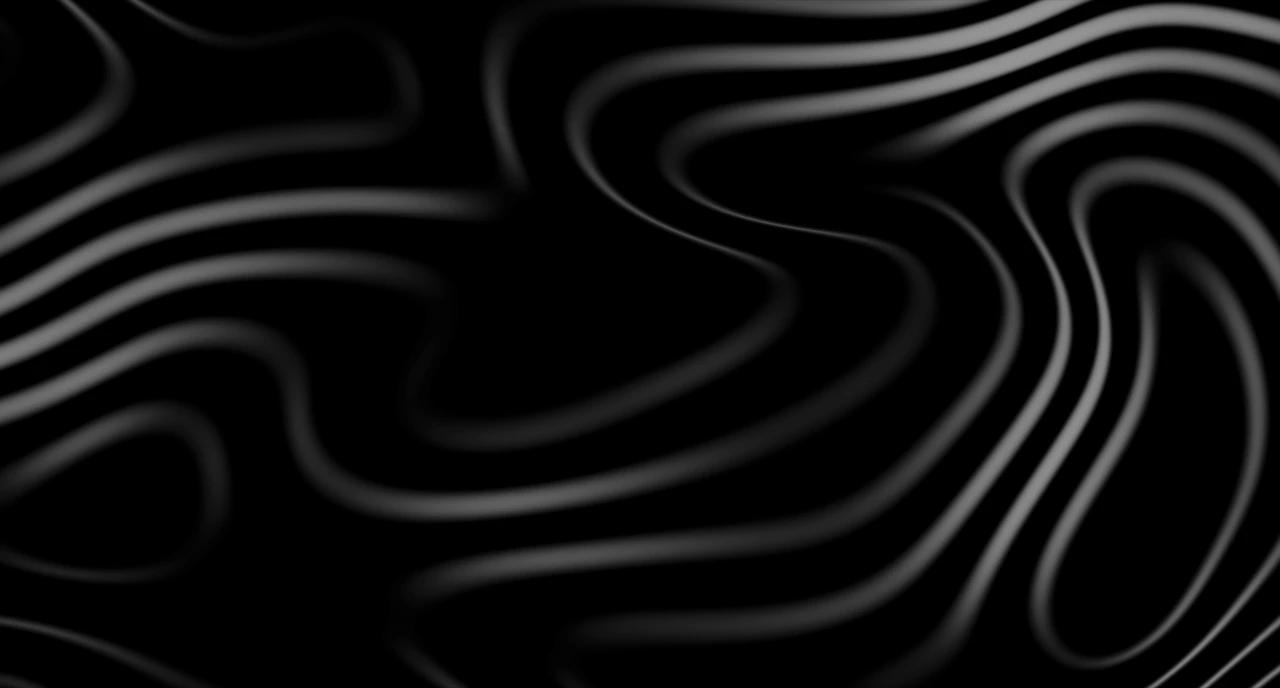
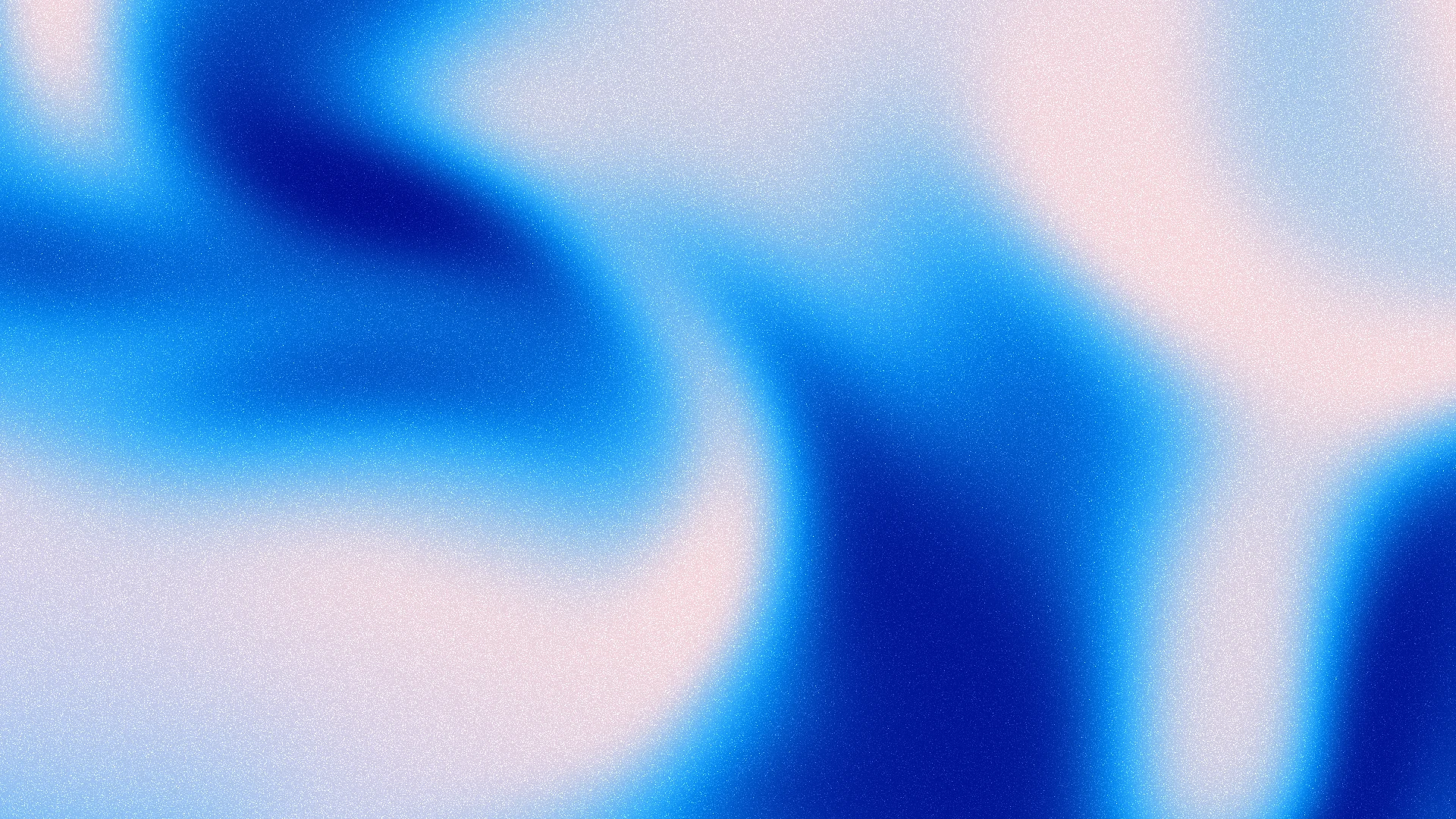
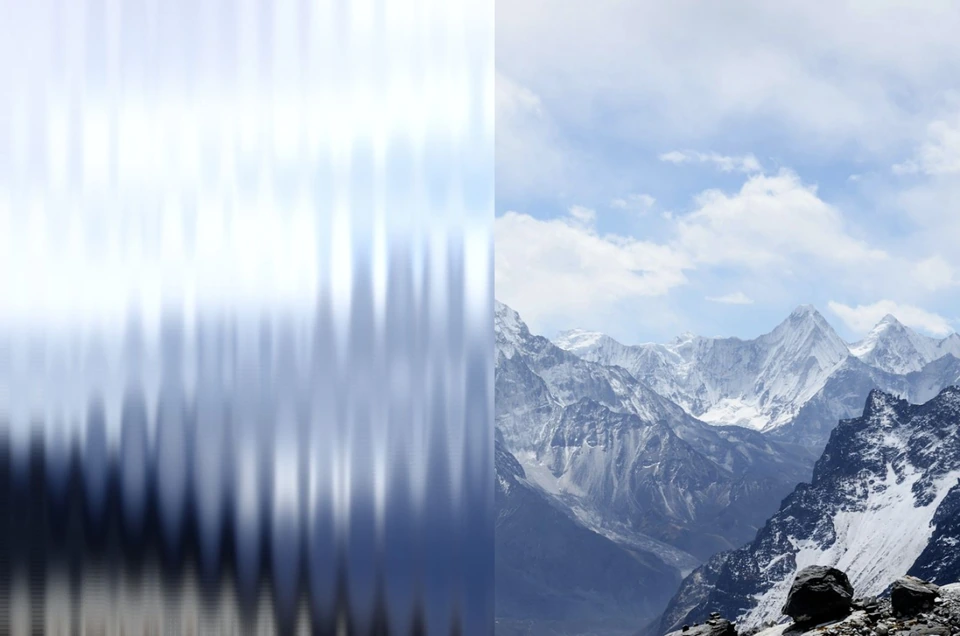
Animated 3D topographic layers with adjustable perspective, material, bevel and lighting.
| Property | Type | Default | Description |
|---|---|---|---|
preset | 'terraced' | 'slate' | 'terraced-top' | 'slate-top' | 'slate-red' | 'slate-red-top' | 'slate-blue' | 'slate-blue-top' | 'slate-cyan' | 'slate-cyan-top' | 'slate-green' | 'slate-green-top' | 'slate-magenta' | 'slate-magenta-top' | 'slate-yellow' | 'slate-yellow-top' | 'slate-rgb' | 'slate-rgb-top' | terraced | Initial material, terrain and camera configuration. Explicit props override it. |
elevation | number | 160 | Vertical height of the 3D relief. Zero flattens the surface. |
cameraTilt | number | 38 | Angle from the top-down view. Increase to reveal the sides of the terraced layers. |
cameraRotation | number | -20 | Rotate the view around the terrain without rotating its material or grain. |
cameraZoom | number | 1 | Camera magnification, independent of terrain scale and contour density. |
terraceSoftness | number | 0.6 | Width of the smooth transitions between layers. Values above 1 blend neighboring layer edges into broader, smoother relief. |
shadowAnimation | select | none | Use a fixed shadow color or a smooth RGB color cycle. The cycle shares visible playback with terrain motion. |
shadowCycleDuration | number | 6 | Seconds for one complete RGB shadow cycle, independent of terrain speed. Pause, reduced motion and Speed 0 hold the color. Replay resets it to red. |
shadowColor | string | #737373 | Color of the relief shading, independent of the material. The default follows the theme: #737373 in light mode, #9d9d9d in dark mode. Custom values persist across theme changes. |
lightingBlend | number | 0 | Blend from the pure selected material with soft relief around every layer edge (0) to directional lighting (1). |
lightDirection | number | 315 | Direction of the single light over the relief. Ambient illumination keeps unlit surfaces readable. |
lightIntensity | number | 1 | Strength of directional lighting. Zero leaves ambient illumination and the subtle local layer shading. |
surfaceColor | string | #ffffff | Base material color of the 3D layers. Terraced follows the theme with pure white or black when omitted. Explicit colors override it. |
scale | number | 400 | Larger values create broader hills and valleys. Independent of layer density. |
density | number | 6 | Number of elevation levels forming the terraced layers. |
distortion | number | 2.4 | Terrain irregularity and the strength of its smooth elevation morph. |
seed | number | 42 | Reproducible terrain composition. Changing the seed creates a new map. |
lineWidth | number | 0.5 | Thickness of optional continuous contour ink on the layer edges, in CSS pixels. |
opacity | number | 0 | Opacity of optional contour ink. Zero leaves the material and lighting visible. |
backgroundColor | string | #ffffff | Solid color behind the 3D terrain and the Canvas fallback. |
lineColor | string | #000000 | Color of optional contour ink on the layer edges. |
accentColor | string | #000000 | Color of optional contour ink at every fourth elevation level. |
gradientDiffusion | number | 0 | Spread the blend between neighboring elevation colors without changing the terrain geometry. |
grain | number | 0.2 | Fine white grain, cached at device resolution and fixed in screen coordinates. Textures both the surface and optional contour ink. |
speed | number | 1.5 | Rate of the elevation morph. Zero holds the current relief. |
paused | boolean | false | Hold the current relief without resetting its animation clock. |
backgroundImage | string | none | Optional CSS background behind the terrain canvas and Canvas fallback. Use gradientColors to color the terrain by elevation. |
gradientColors | readonly [string, string, ...string[]] | readonly [] | [] | Optional two to eight colors ordered from valley to summit. Colors follow the animated elevation field; an empty array uses the surface color. |
children | ReactNode | — | Optional foreground content, layered above the decorative canvas. |
ref | TopographicTerrainHandle | — | reset() returns the animated terrain to its initial frame. |
className / style | string / CSSProperties | — | Customize the background styling. Set its dimensions on the parent container. |